Smarter Access, Modern Experience: SD-WAN Portal Enhancements
The SD-WAN Portal has been updated with a series of enhancements focused on usability, accessibility, and a more modern experience. Administrators can now manage users and permissions more efficiently, while all users enjoy a cleaner, faster, and more consistent interface.
🔐 Improved Access Management
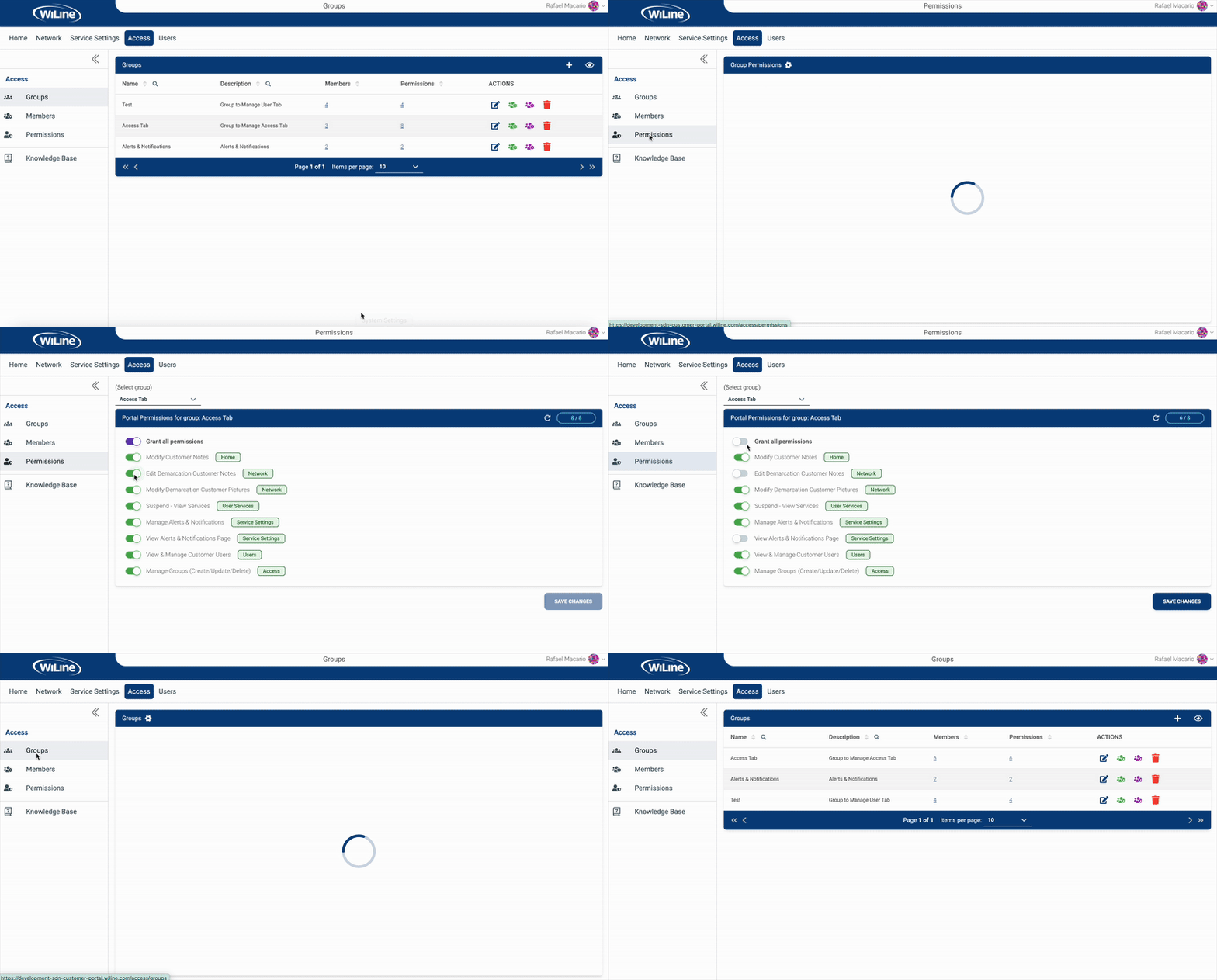
We’ve redesigned how you manage users, groups, and permissions within the Access section:
- User Management – A cleaner interface makes it easier to view, search, and update customer users. Add or remove users, reset passwords, and adjust details in fewer steps.
- Group Management – Create, edit, and delete groups with improved search and filtering. Large lists are now easier to navigate thanks to better pagination and sorting tools.
- Permission Controls – Assign and remove permissions directly from a more organized layout. The new toggle-based system and bulk options simplify access adjustments.
These updates make it easier to maintain clear, role-based access across your organization.
🧭 Refined Account Experience
Several updates enhance accessibility and create a more cohesive, modern experience:
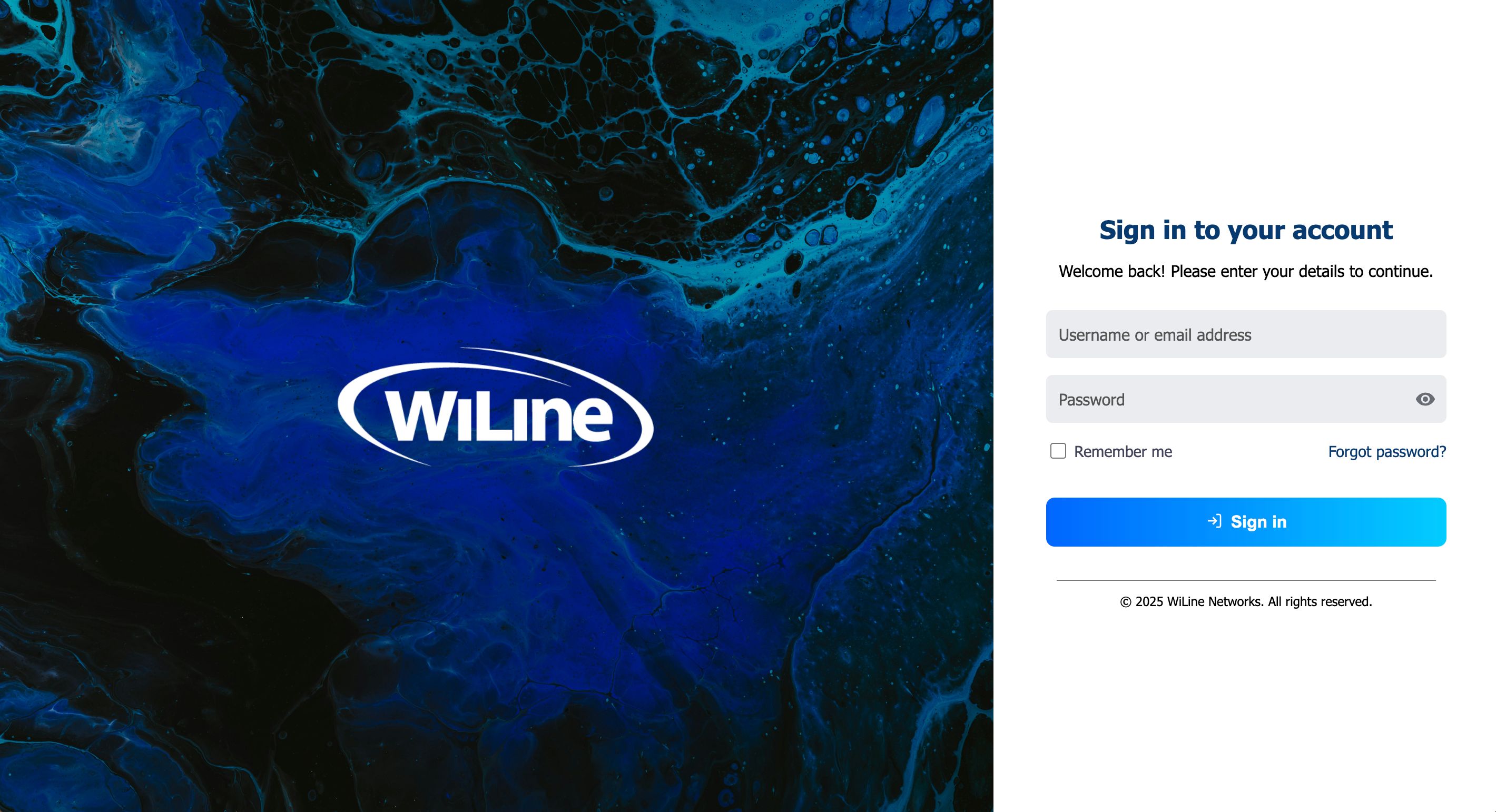
- Modernized Login Theme – The WiLine login page now features a refreshed, contemporary design with high-definition visuals and updated branding, delivering a cohesive and modern experience.
- Simplified Password Recovery – The password reset process is easier and faster, guiding users through each step directly from the login page.
- Improved Accessibility – Interface elements, color contrast, and navigation cues have been refined to meet accessibility best practices.
- Updated Login Flow – The login process provides clearer feedback messages and smoother transitions for a more intuitive sign-in experience.
These updates make the portal easier to use for everyone, improving readability, consistency, and the overall visual experience.
⚙️ Why It Matters
This update continues our effort to make the SD-WAN Portal more secure, organized, and user-friendly.
From managing permissions to recovering access, every step has been reviewed and refined to improve both control and confidence.
For detailed instructions, see the updated Users, Groups, and Permissions pages.
❓ Need Help?
For guidance or troubleshooting:
- Use WiBot, our new virtual assistant
- Visit the FAQs
- Or contact us directly at support@wiline.com
📢 Stay Connected with WiLine
📱 Get the WiLine App
Google Play | App Store | Windows | macOS
© 2026 WiLine Networks, Inc.